Lightroom editing masterclass
Master your edits today
Struggling to get a handle on editing your photos?
Not sure where to start in Lightroom?
Frustrated with inconsistent edits?
Want a guide on more advanced tools and techniques?
This is my Lightroom Editing Masterclass, designed for photographers of any level, who want to advance their editing techniques, workflow and create a unique and consistent style.
From complete beginner all the way to advanced, this guide will take you through all things Lightroom in a step by step format, eventually creating your own presets from your edits.
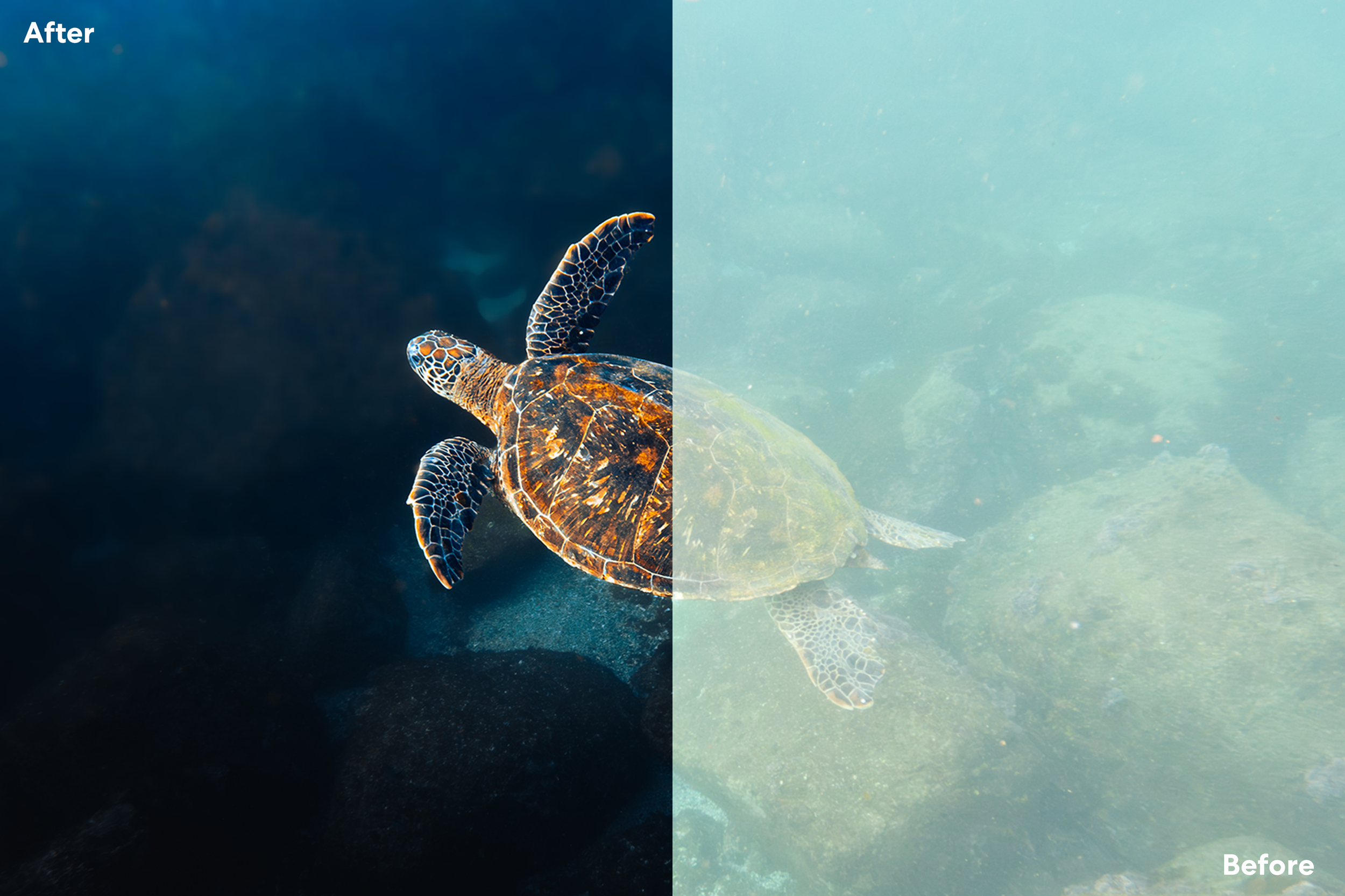
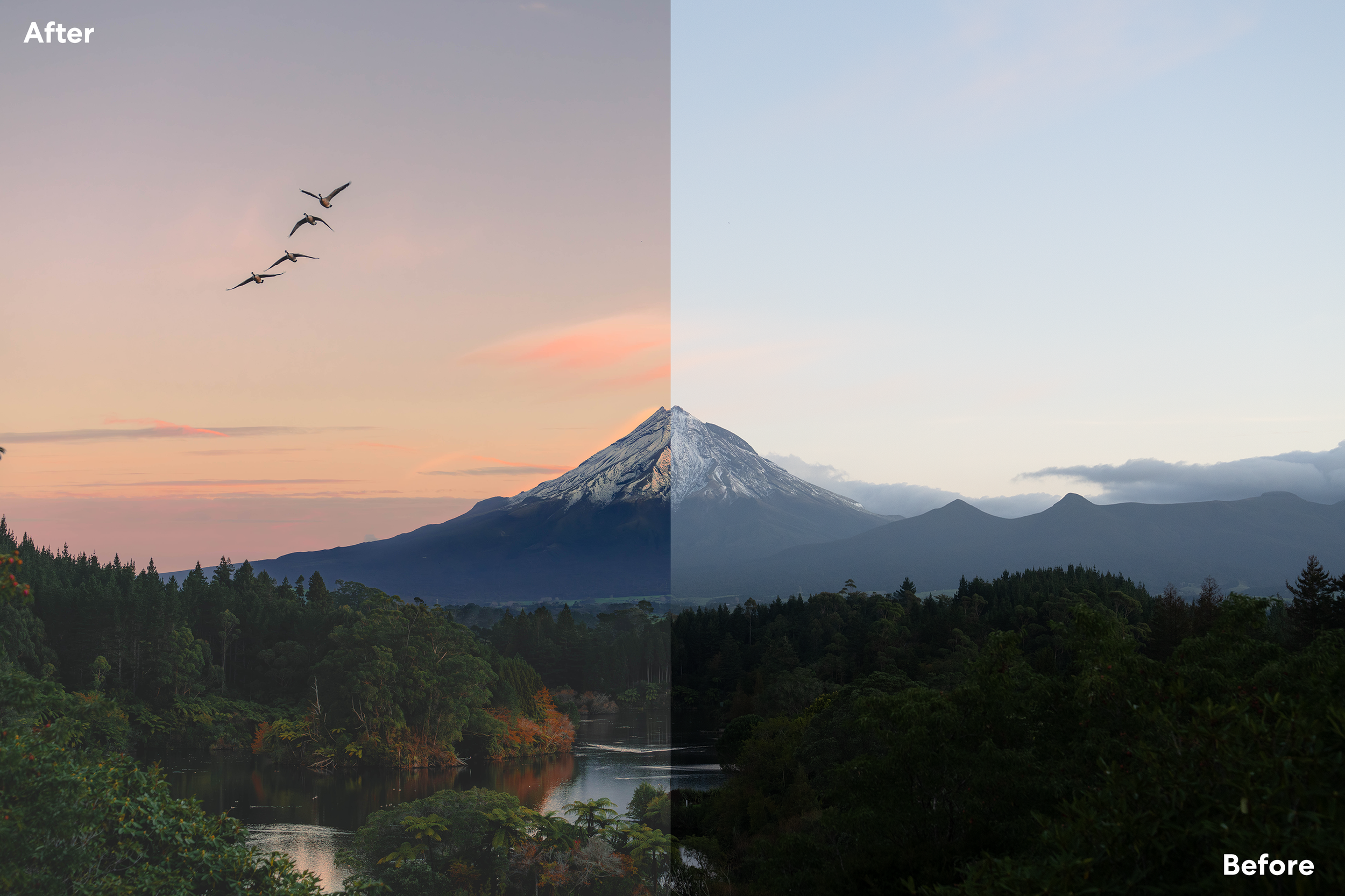
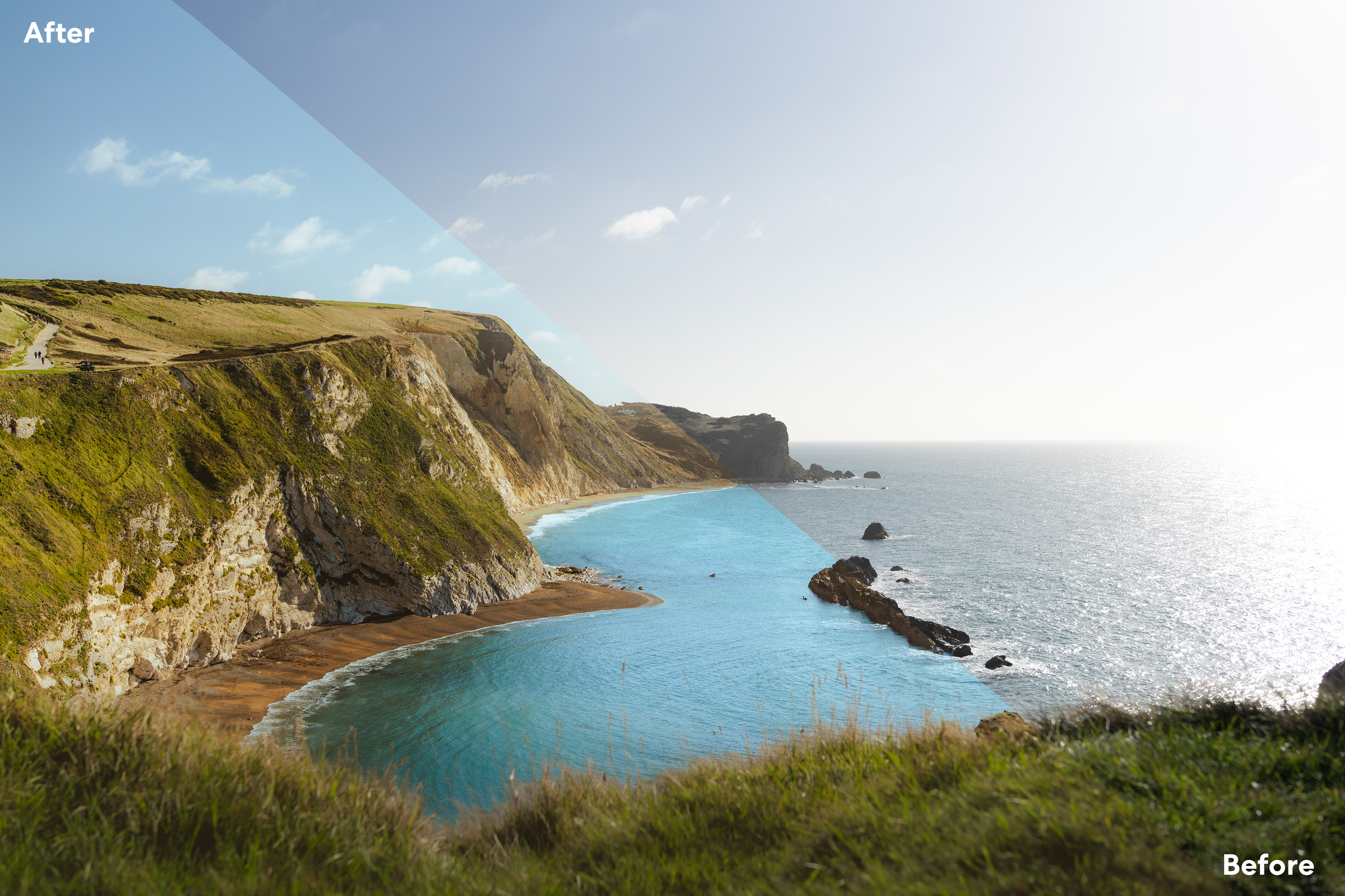
From opening Lightroom all the way to advanced editing techniques, you’ll learn exactly how I edit all of my photos and all the tools and techniques you need to start editing like a pro and master your workflow to create your own unique style and emotion within your photos.
5+ hours of video tutorials
Get access to 30 complete walkthroughs of editing my images from start to finish and gain an understanding of how I approach edits.
25 image walkthroughs
continuous feedback and updates
You’ll also get lifetime access to updates as new updates come out and are added to the course as well as direct access regular feedback from me on your edits.
The curriculum
A welcome to the course and a short breakdown of the course outline.
Introduction
Learn how to open Lightroom, make catalogs and understand the layout of the software. This will help you understand the different views and sections of Lightroom Classic.
Opening Lightroom
Understand different modes and methods for culling through photos and removing all images that you don’t want to edit from view.
Culling and Filtering
In this chapter you’ll learn everything there is to know about cropping. From aspect ratios to straightening photos, centering subjects and removing unwanted space in our frame.
Cropping
An in depth breakdown of what each and every tab controls and how and when to use them. Come away with a clear understanding of how to create a base edit for your image using tabs such as: Basic, Tone Curve, HSL, Colour Grading and effects.
The Tabs
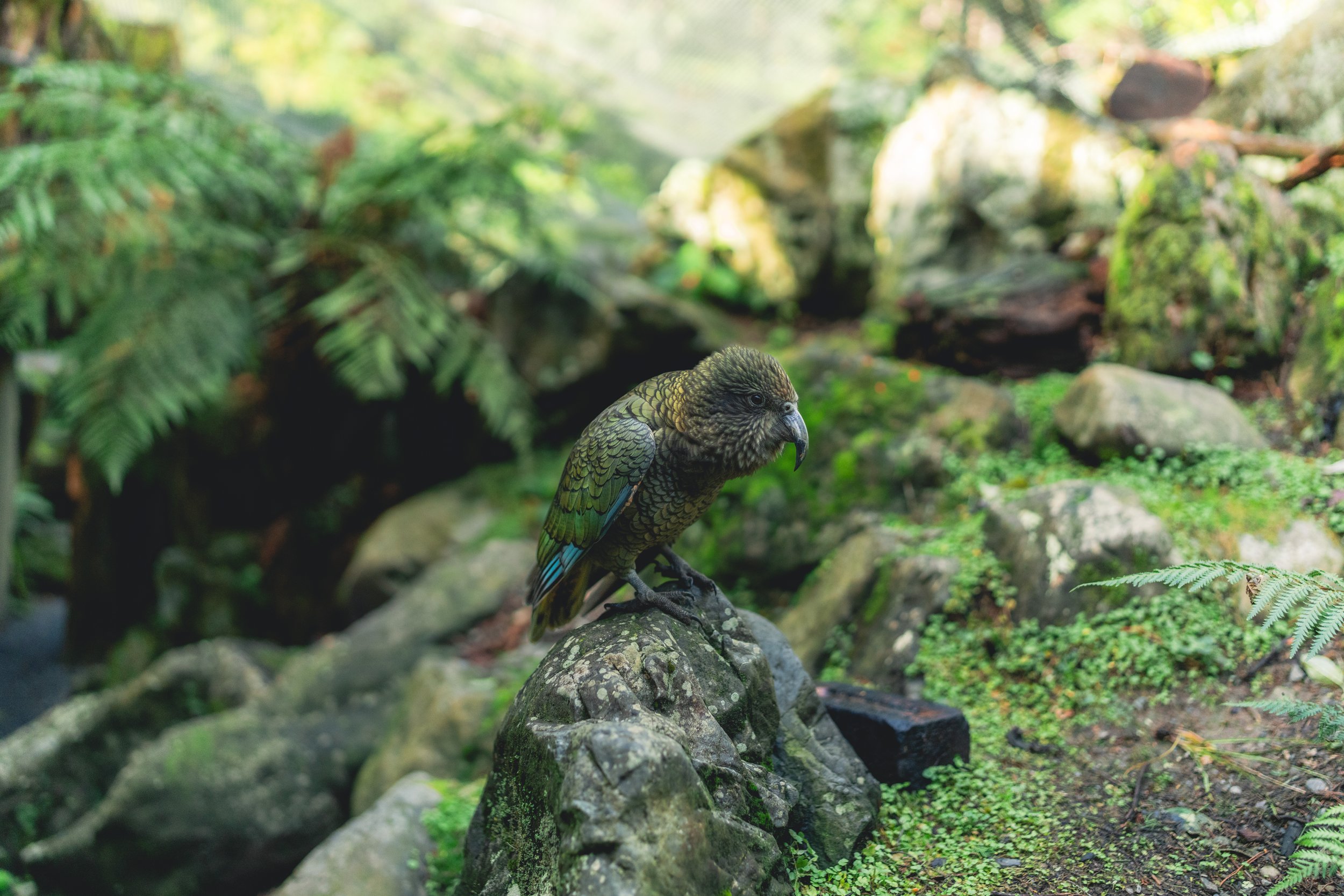
Discover exactly what masks are and how to use them to create depth within your images. Develop an understanding of each and every style of mask including: Linear and Radial Gradients, Brush and Selective Masks.
Masking
Removal Tools
Learn how and when to use each removal tool to remove distractions in your images to enhance focus on your subject.

Tips and Shortcuts
Learn tools and shortcuts to speed up your workflow.
Exporting
Learn the best settings for exporting your photos for a variety of different channels including: Clients, Social Media, Web, etc.
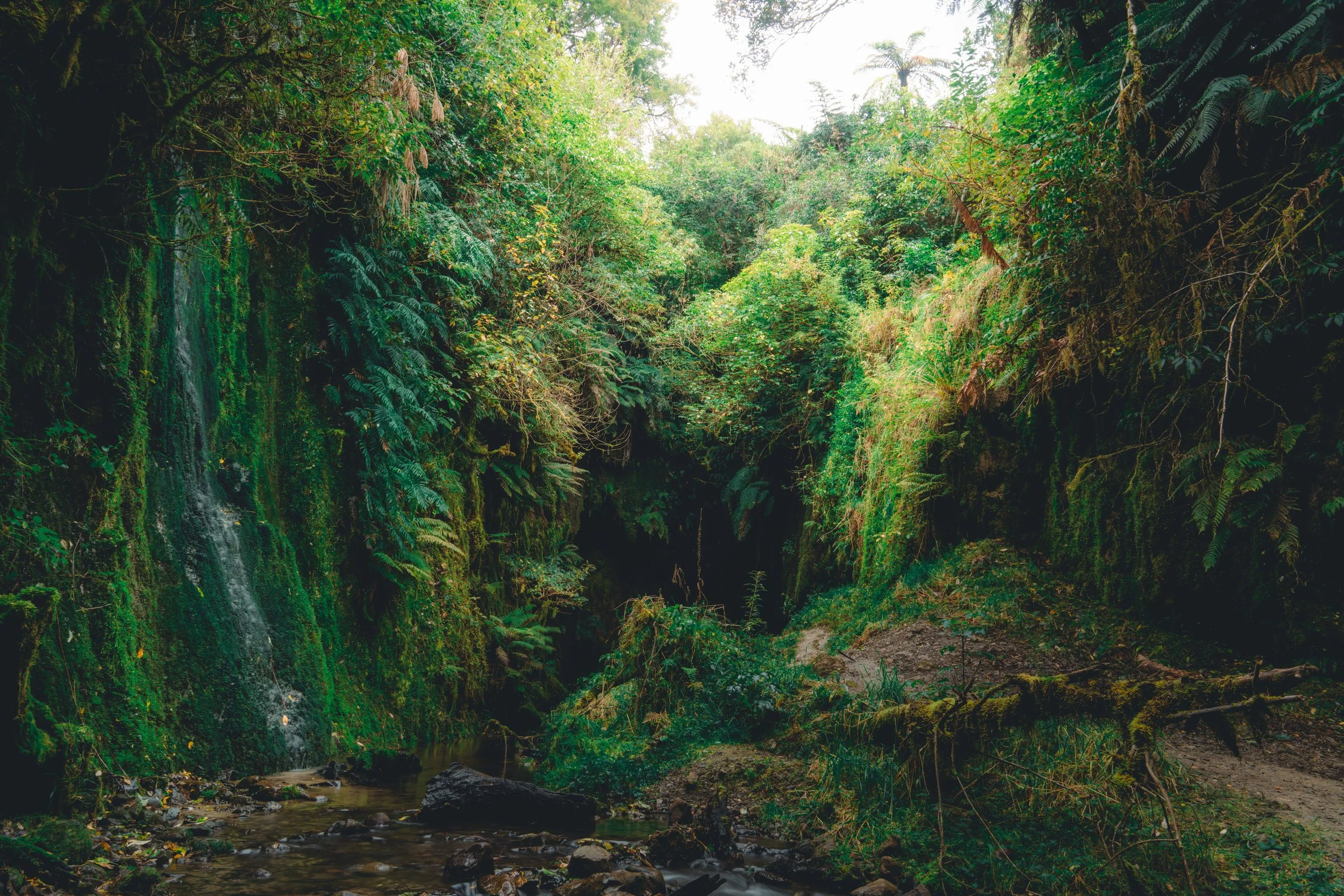
Create Your Own Preset
Discover how to make your own preset to further enhance your style and aid in keeping a consistent tone and style across all of your image
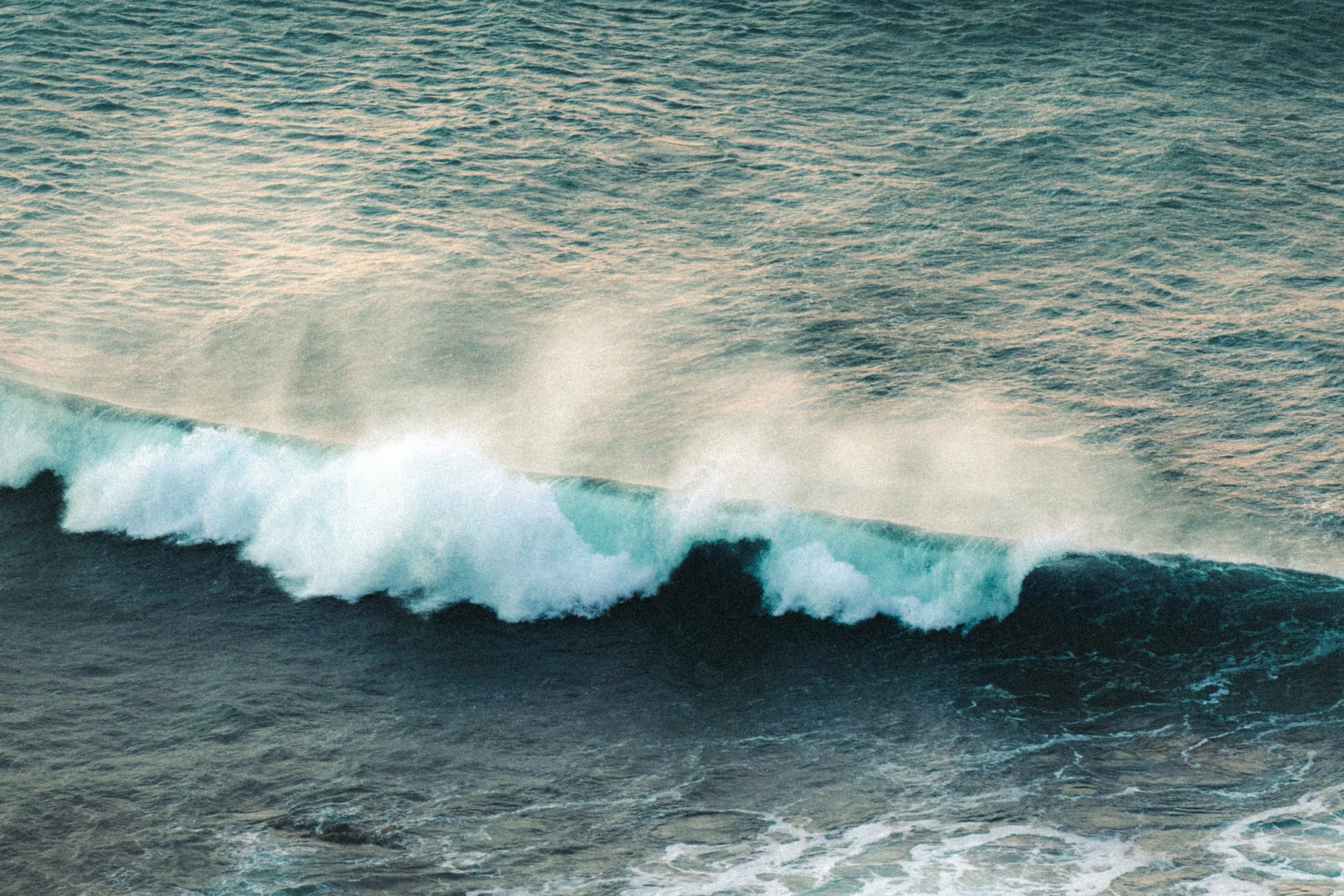
Photo Editing Walkthroughs
Get access to 30 full walkthroughs where I take you through how I edit my own photos. Walk away with an understanding of how I approach editing, my workflow, and how I use different tools to create the best results.
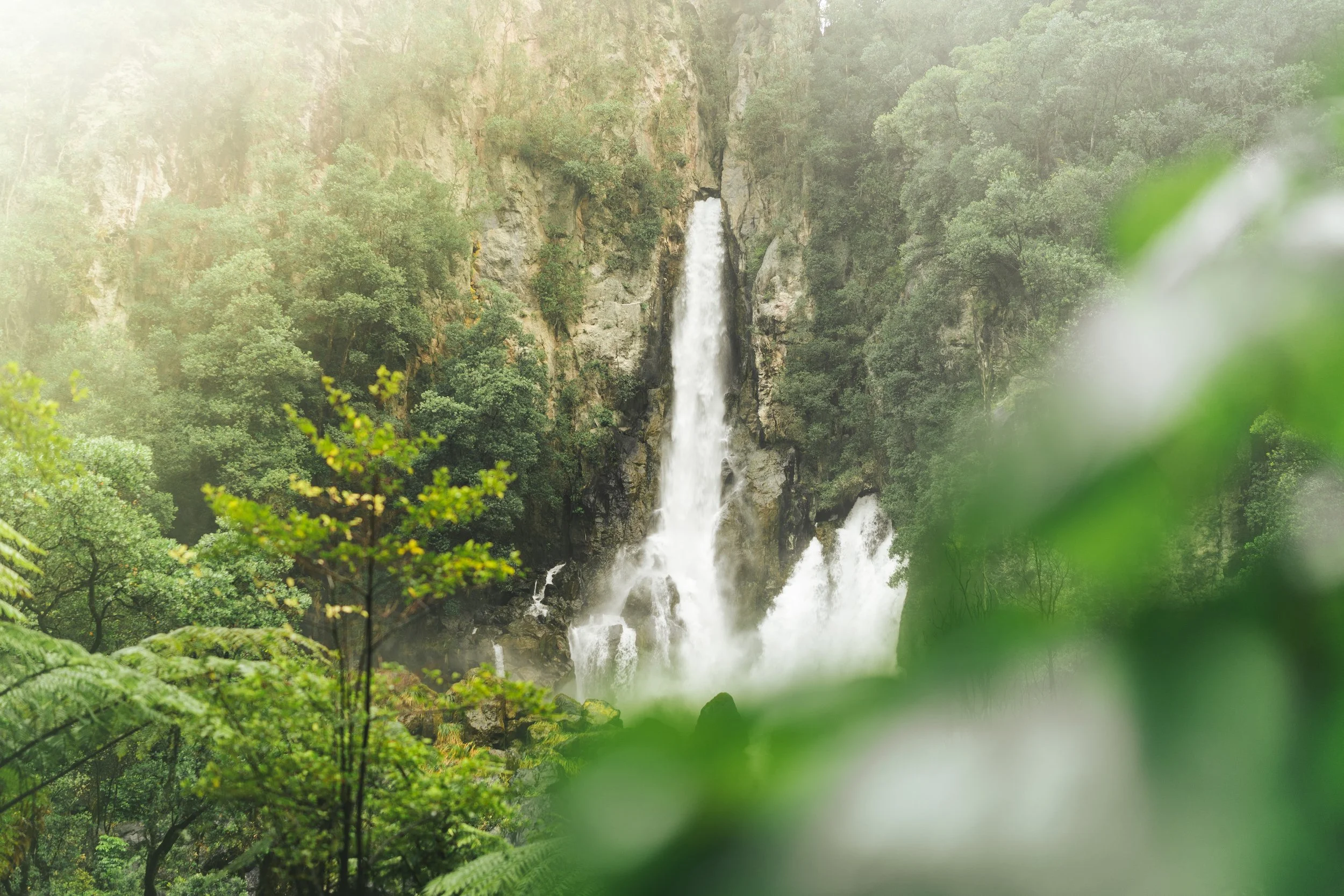
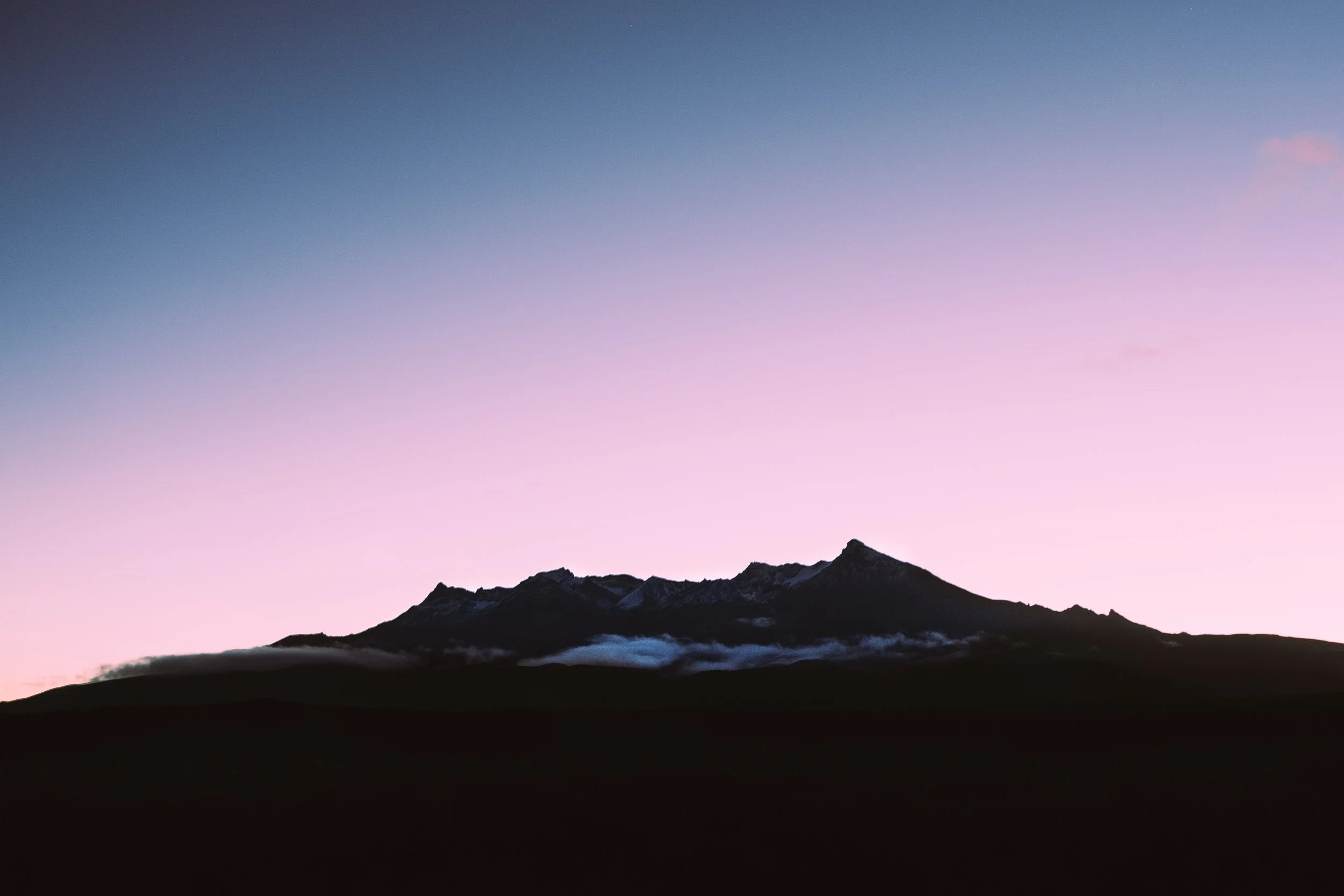
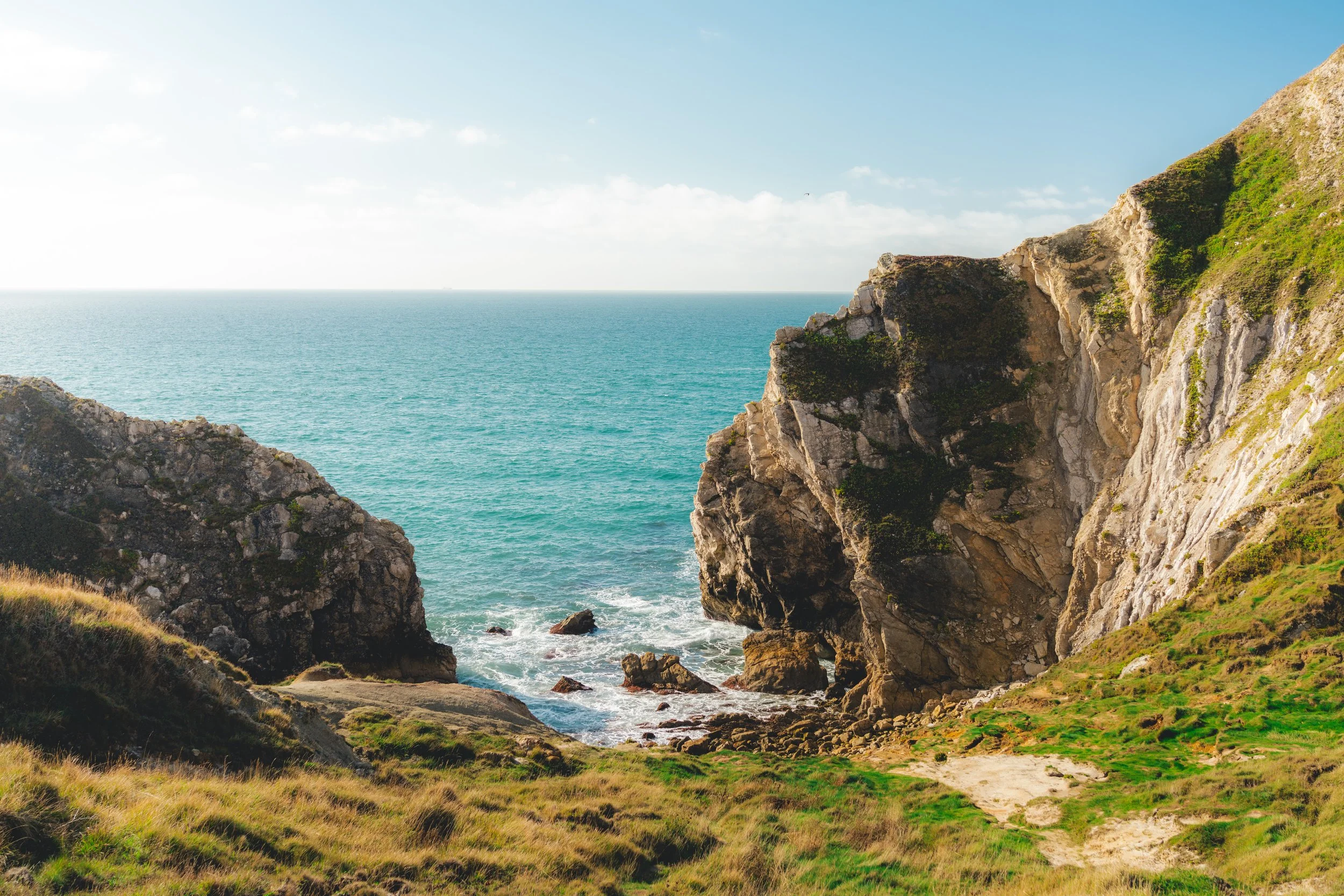
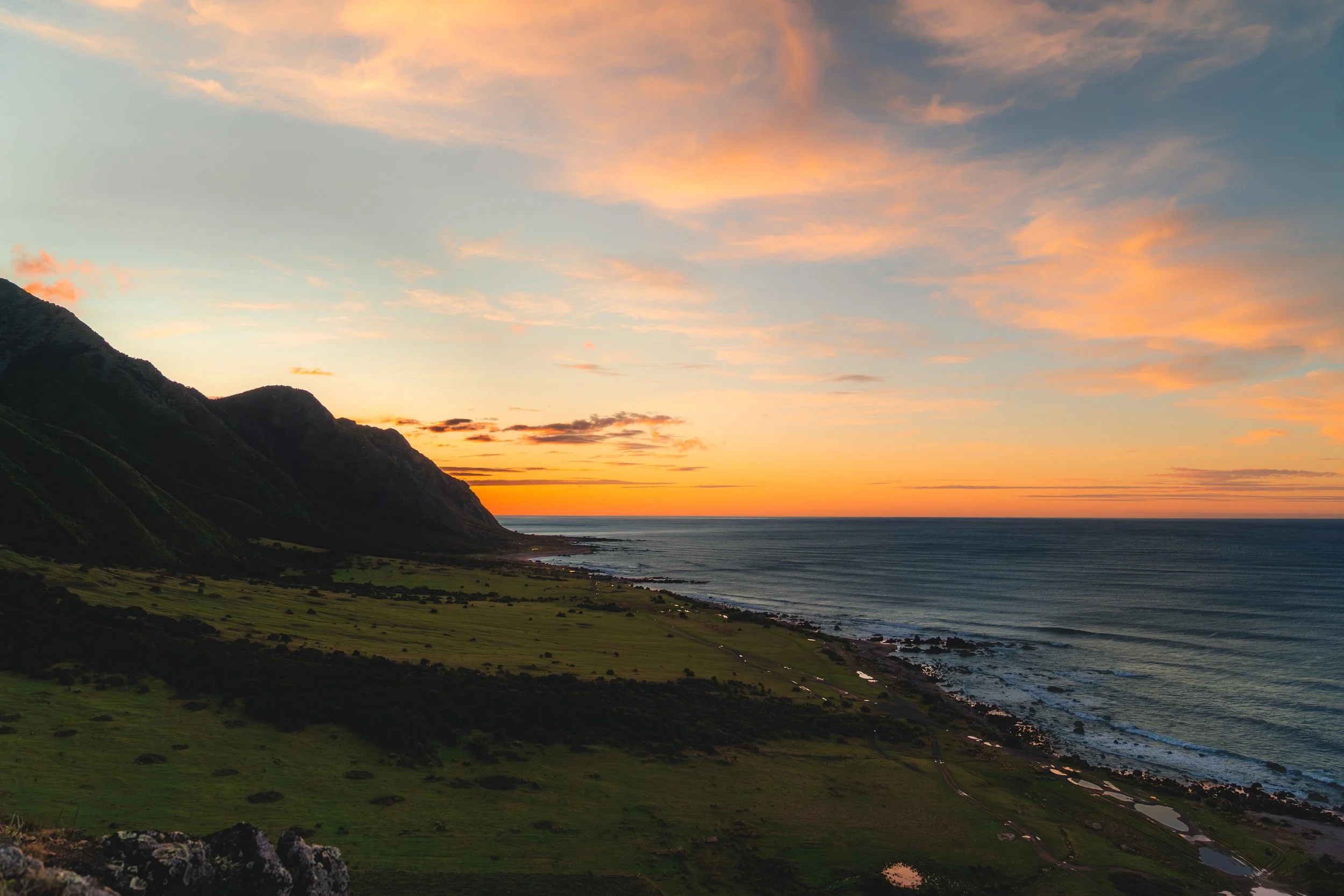
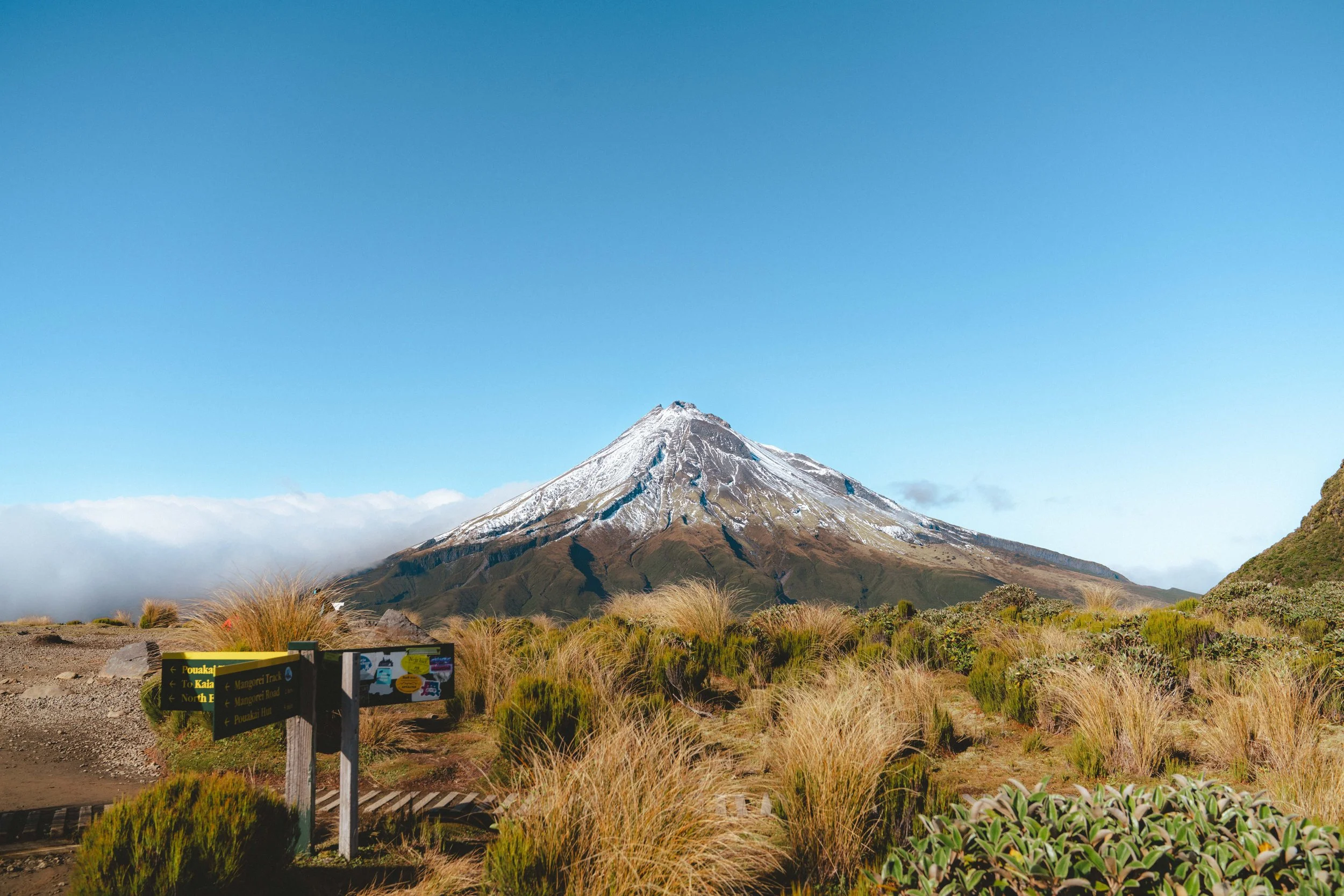
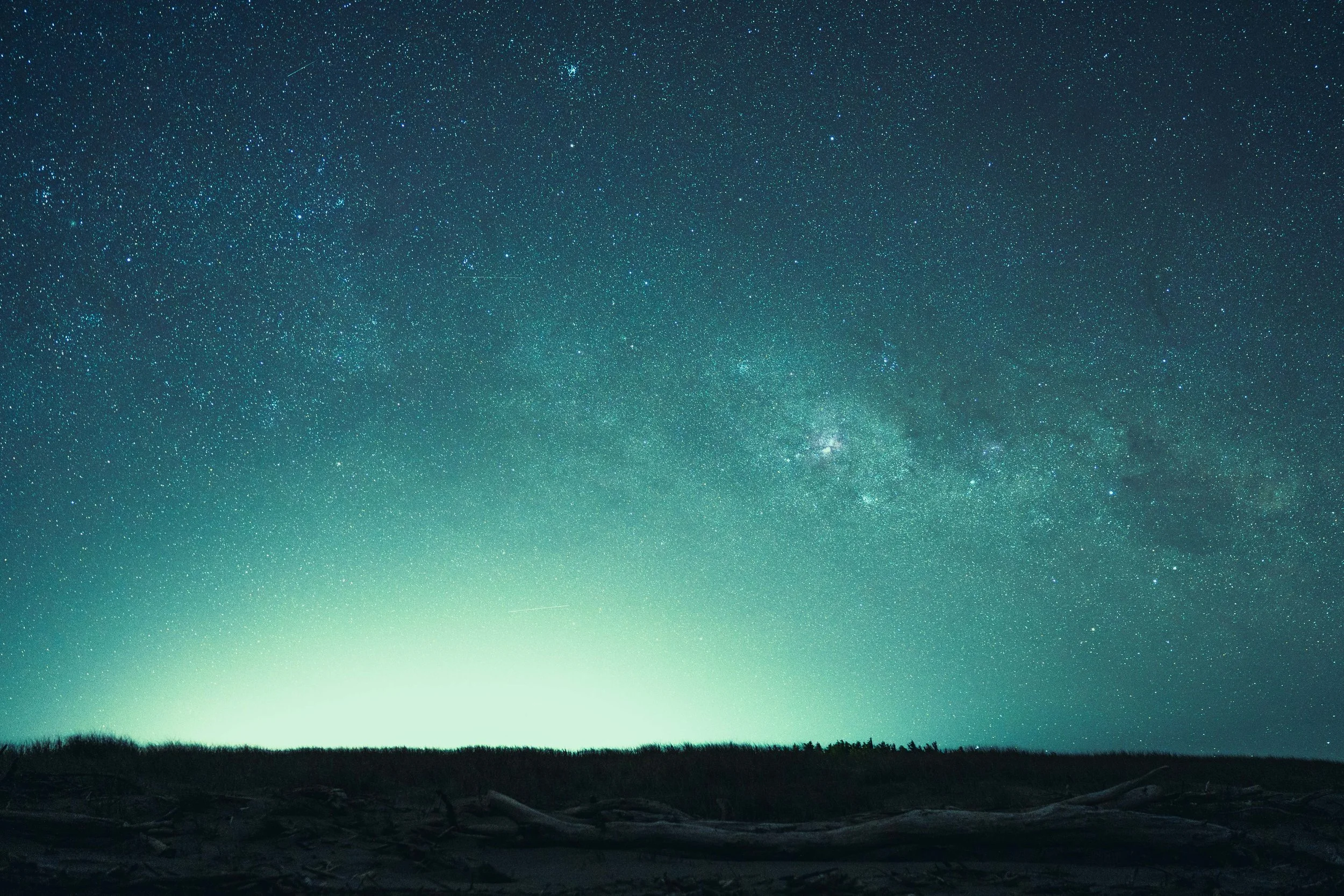
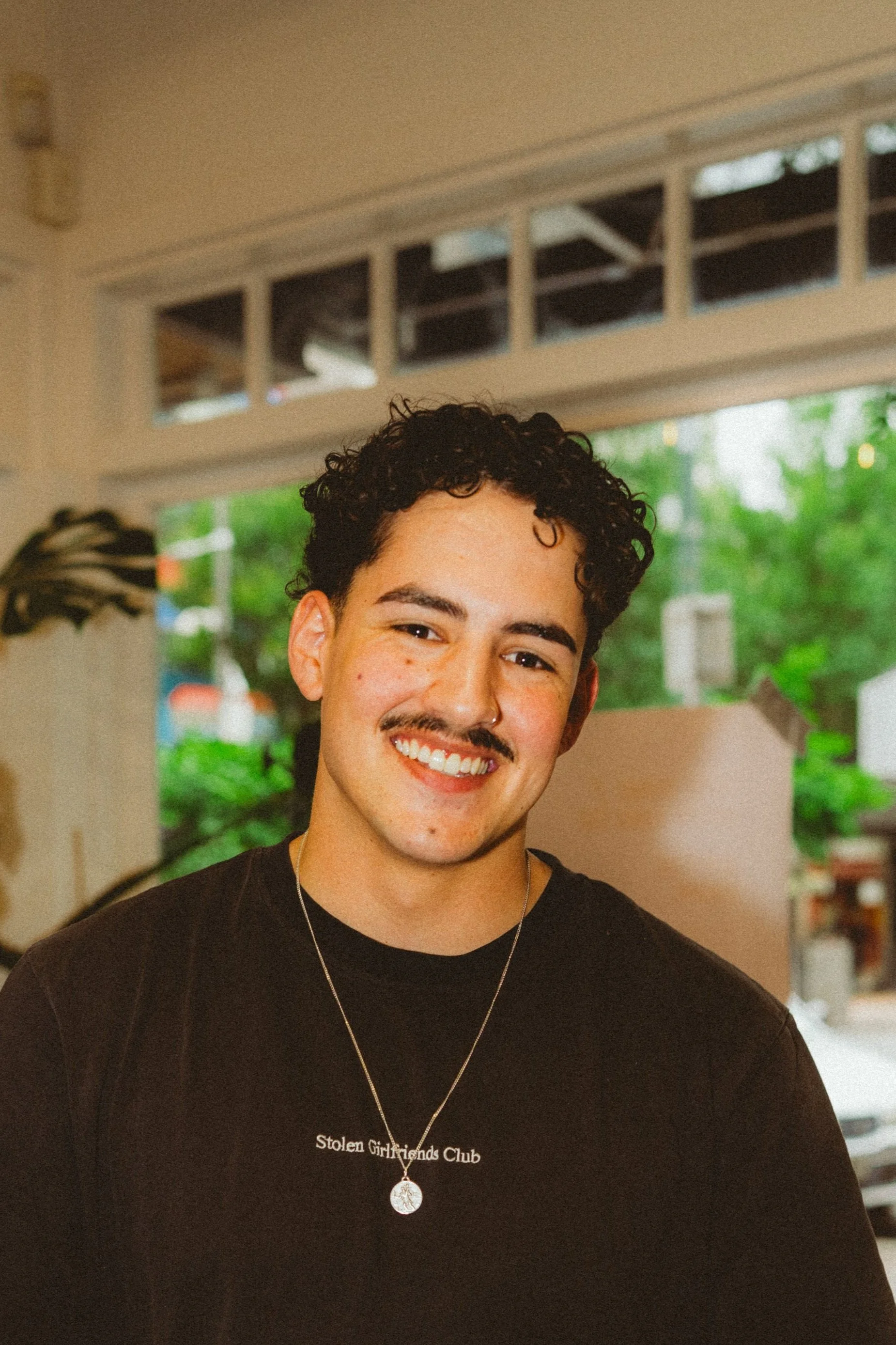
I’m a professional landscape and lifestyle photographer from Wellington, New Zealand, now living in the UK. In the early days of my career I struggled massively with editing my photos, whether it was under or over editing or I just couldn’t get a consistent style throughout my work.
So, with all the knowledge I’ve built up over the years, I’ve put together this course so you can skip the frustration and jump straight to being able to create your own unique style that fits the story that you want your photos to tell.
I’ll be showing you my exact workflow and how I achieve my soft cinematic style shown throughout my work, as well as all of the skills you need to be able to do the same confidently and consistently.